ATR support Line – Public on TradingView
Free · ATR Support Line
Volatility-adjusted support overlay for TradingView: one clean reference line for trend context and risk.
Higher-timeframe aware with optional closed-bar confirmation for safer reads.
Public on TradingView · All updates included · No activation required for basic use.
What you get
Free · ATR Support Line
Volatility-adjusted support overlay for TradingView: one clean reference line for trend context and risk.
Higher-timeframe aware with optional closed-bar confirmation for safer reads.
Public on TradingView · All updates included · No activation required for basic use.
Details
ATR Support Line
A clean, volatility-adjusted support overlay for TradingView.
One disciplined “line in the sand” that adapts to market conditions and helps you stay objective.
freely (no standalone activation required for basic use).
ATR Support Line builds a single dynamic support line by anchoring a smoothed price baseline
and offsetting it by an ATR-based volatility buffer. The goal is not to predict the future,
but to provide a consistent reference level you can use for trend context and risk framing.
The indicator is higher-timeframe aware: you can calculate it on the chart timeframe or choose an explicit
higher timeframe for more stable structure. You can also switch between a safer closed-bar confirmation mode
(to avoid repainting) and a more responsive live mode (more “breathing” intrabar).
No guarantees. Your execution and risk rules always come first.
What it helps with
Use the line as a reference for structure, discipline, and repeatable decision-making.
- Trend context: price holding above the line often reflects more constructive conditions.
- Pullback structure: reactions into the line can help you study “normal” retraces inside a trend.
- Risk boundaries: persistent closes below the line can be treated as a caution / de-risk zone.
- Multi-TF workflow: calculate on a higher timeframe for bias, execute on lower timeframes for entries.
rejection, acceptance, consolidation, reclaim, and retest.
Key settings
Simple controls so you can match the line to your market and timeframe.
Anchor smoothing
Select a baseline smoothing type and length to control how “stable” the anchor feels.
Volatility buffer
ATR length and multiplier control how far the support line sits from the baseline.
Timeframe mode
Optional HTF calculation helps reduce noise and keeps the line consistent across chart timeframes.
Confirmation vs live
Choose closed-bar confirmation to avoid repainting, or live mode for faster visual adaptation.
on the calculation timeframe.
Access
Add it on TradingView and use it as a clean, disciplined overlay.
Open the indicator page on TradingView and add it to your chart:
View on TradingView
Related products
-
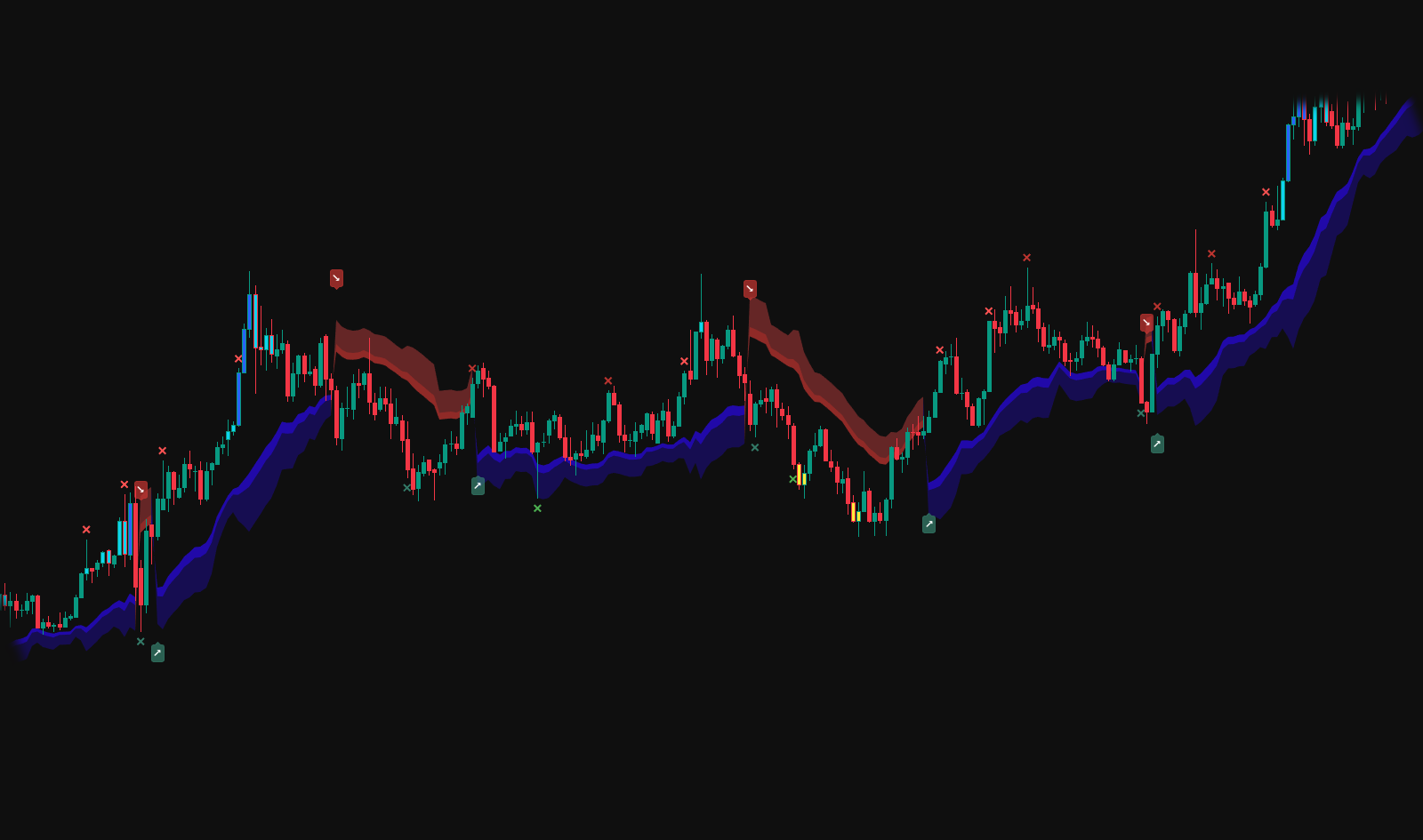
Smart Trend Old
Smart Trend (Legacy) · By Request (Included) Earlier Smart Trend module: clean trend direction + structured zones for disciplined context. Provided as a private add-on after selected premium purchases. Activation within 24 hours · All updates included · TradingView username required.$9.99 -
Sale!
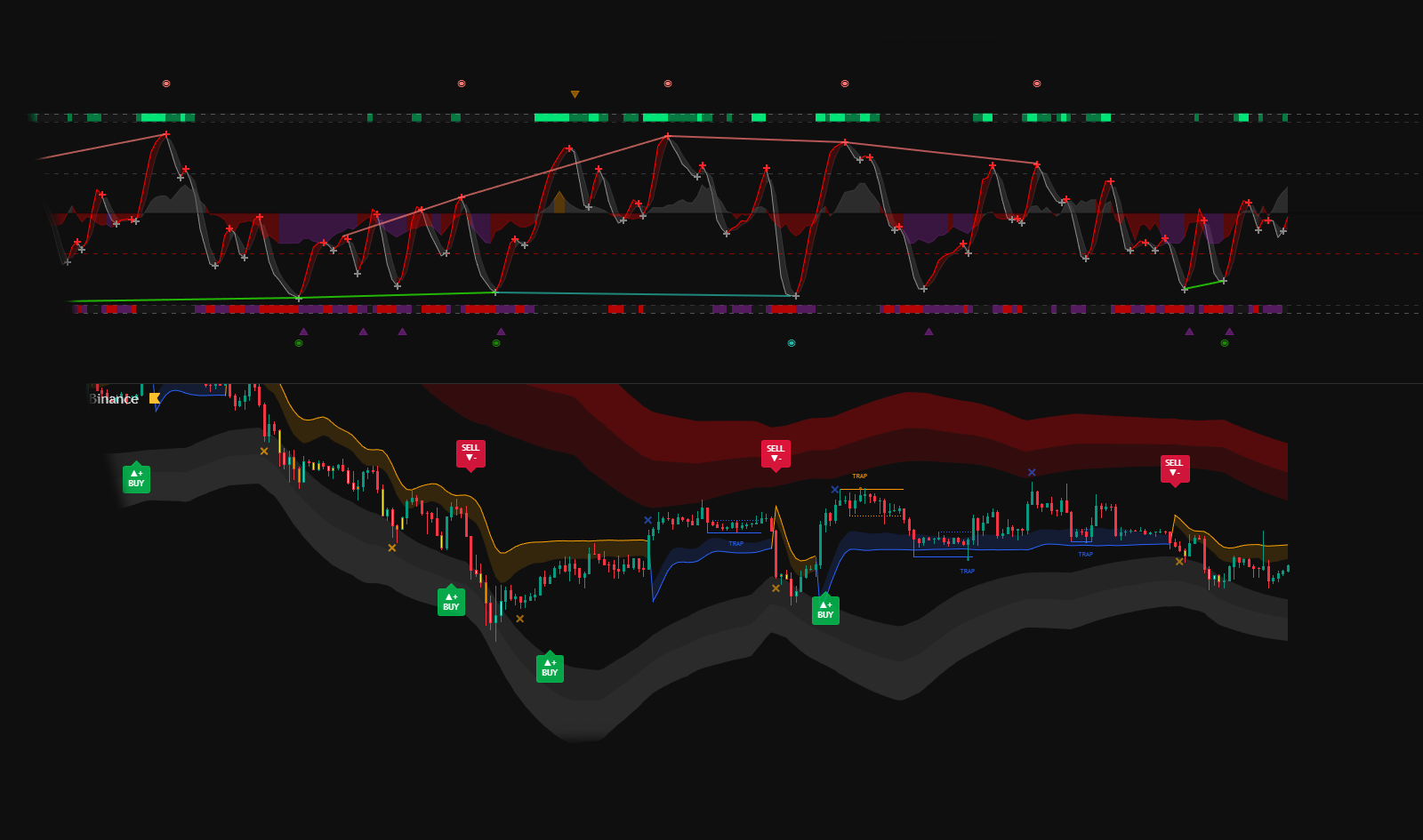
Liquidity Hunter & iFlow Oscillator — 1 Year Access
1-Year Bundle Access · Liquidity Hunter + iFlow Complete toolkit for trend, flow and precise entries on TradingView. Combines liquidity analysis with momentum and internal market flow. Activation within 24 hours · All updates included · TradingView username requiredOriginal price was: $99.00.$29.99Current price is: $29.99. -
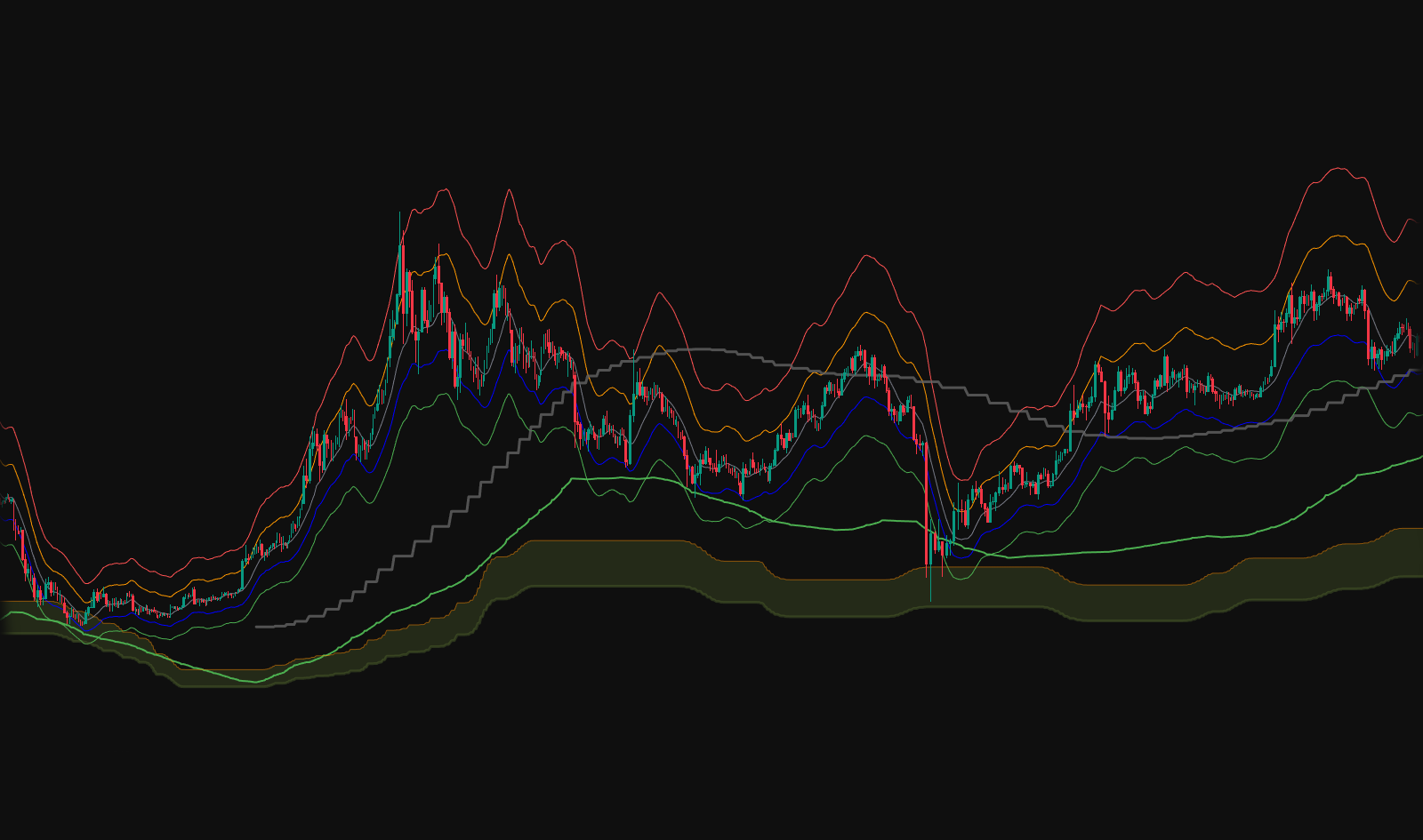
RUMIANCEV Core Suite — Bonus (Free with Bundle)
RUMIANCEV Core Suite — Bonus (Free with Bundle) A compact “core overlay” combining Safety Trade levels, Multi-TF Trap Lines (incl. Monthly), ATR Support Line, and Axel Alts supports. Built to keep charts clean, reduce noise, and support a structured decision process. Included with Liquidity Hunter + iFlow bundle · Activation within 24 hours · All updates included · TradingView username required -
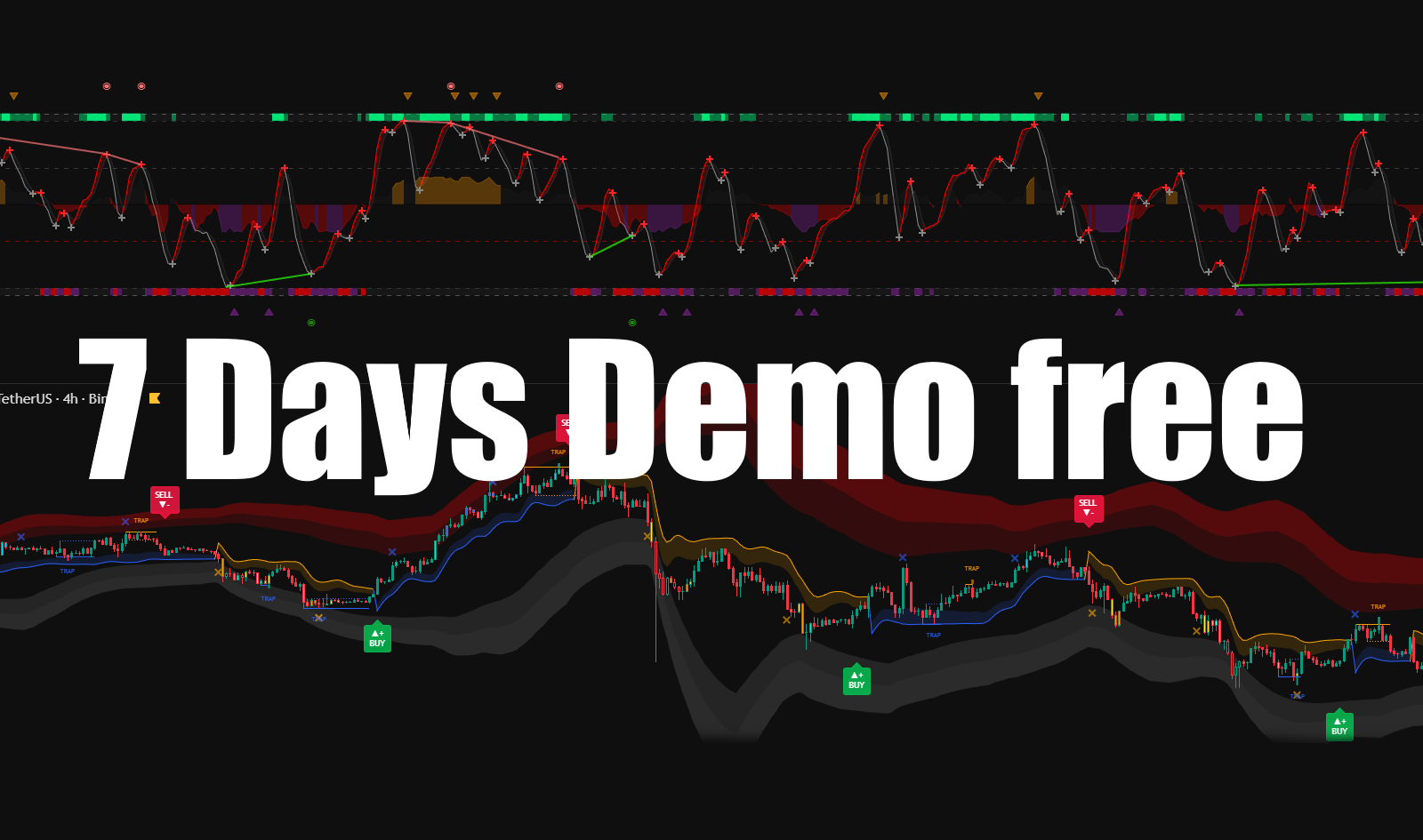
Test Indicator — 1-Week Demo Access
7-Day Demo Access Test the full RUMIANCEV workflow — indicators, signals and tools. Explore the logic and experience before upgrading to full access. Free demo · TradingView only · TradingView username required$0.00